How It Works
Continue below for a general tutorial on Health Check-In. To read about how it was developed, see the “My Story” page!
Check in daily
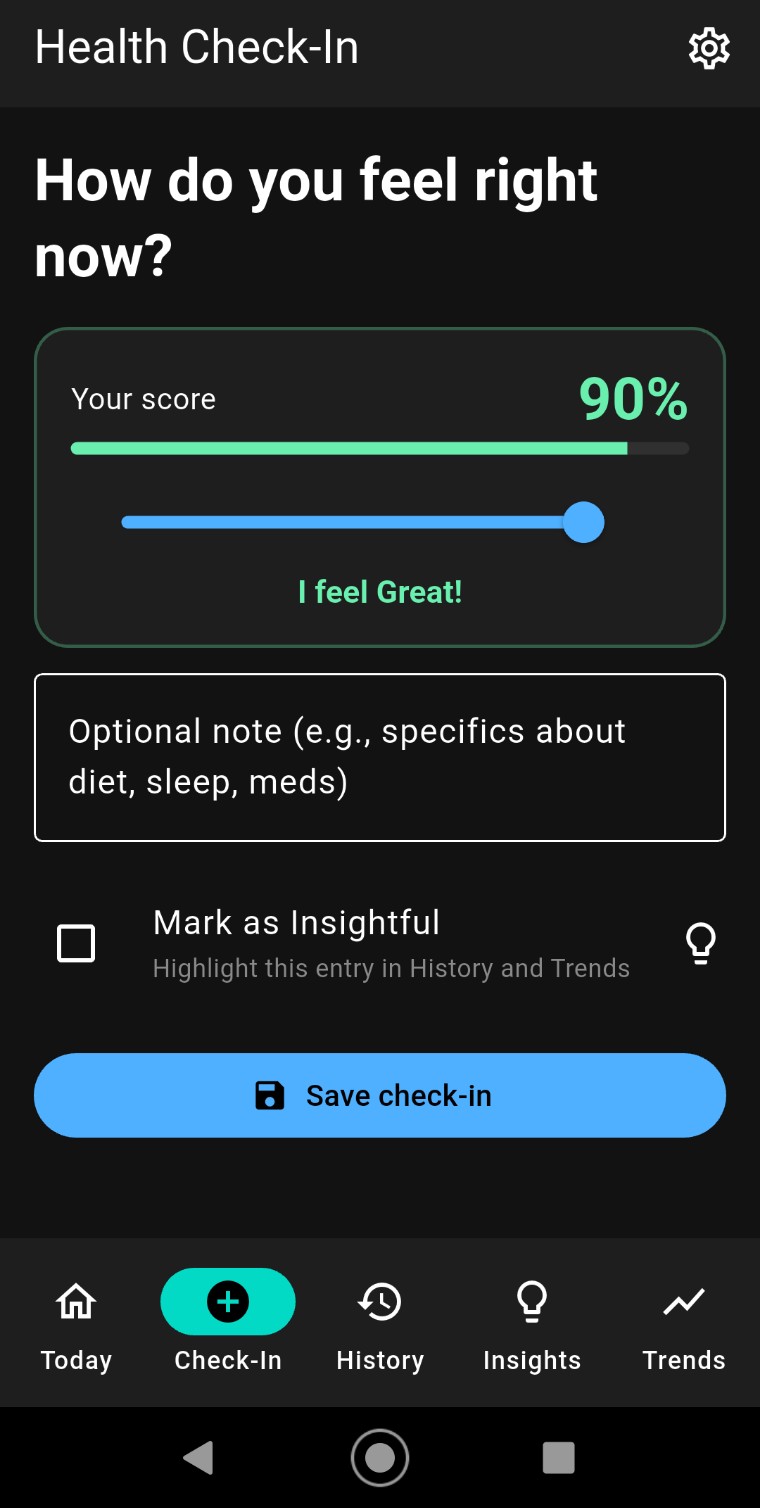
Rate how you feel on a simple 0–100 slider. Add optional notes or reasons why you might feel the way you do. Create as many entries per day as you like, even in the free version. More detail is always better, but even simple entries are useful.
Set up reminders to check in
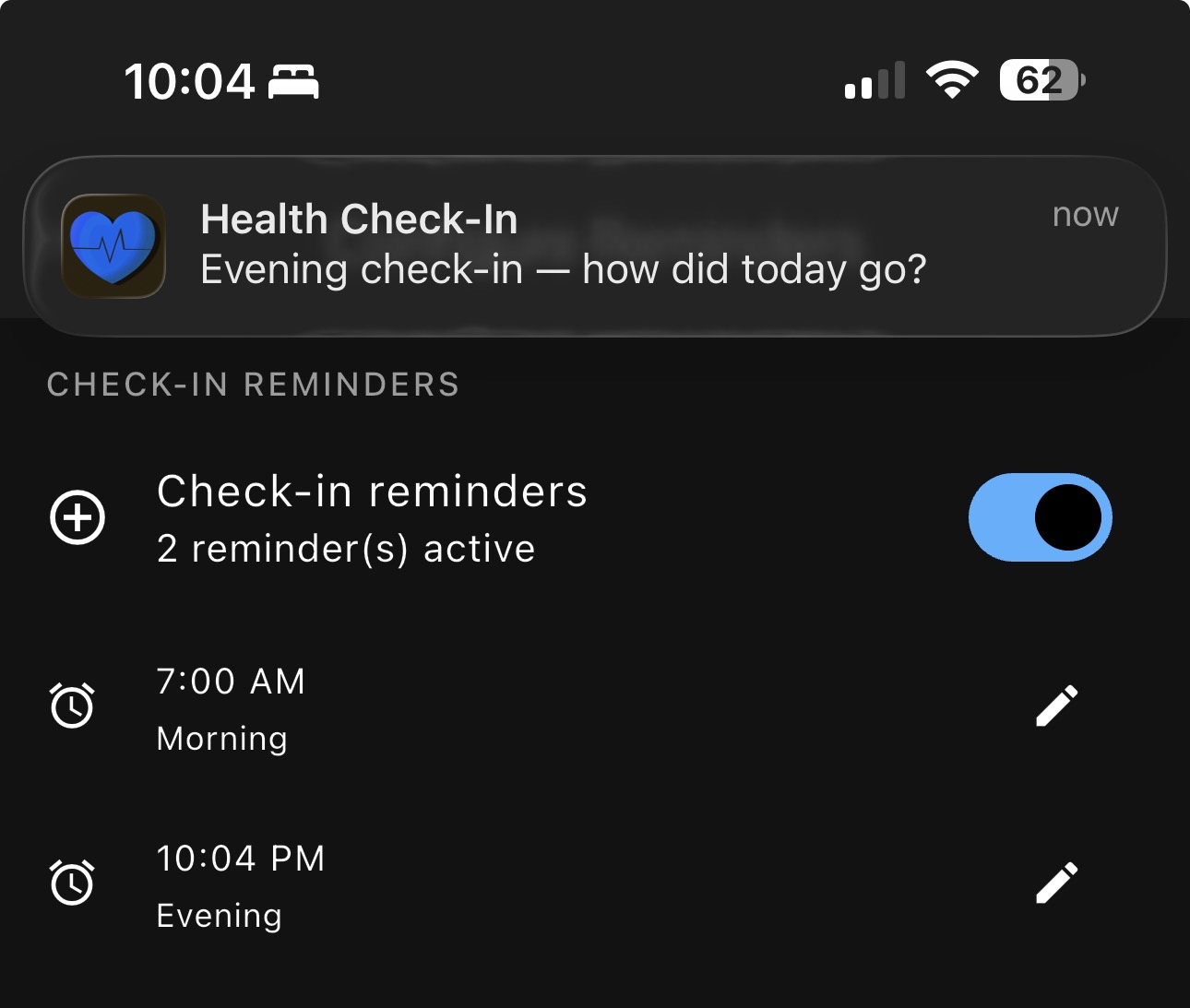
Set a daily reminder so you never forget to log how you’re feeling. Consistency is key to spotting patterns over time.
Tie into your health tracker
Connect to Oura Ring, Apple Health, Fitbit, or Health Connect to automatically bring in sleep scores and step counts. Seeing this data alongside how you feel makes it easy to spot what’s helping and what isn’t.
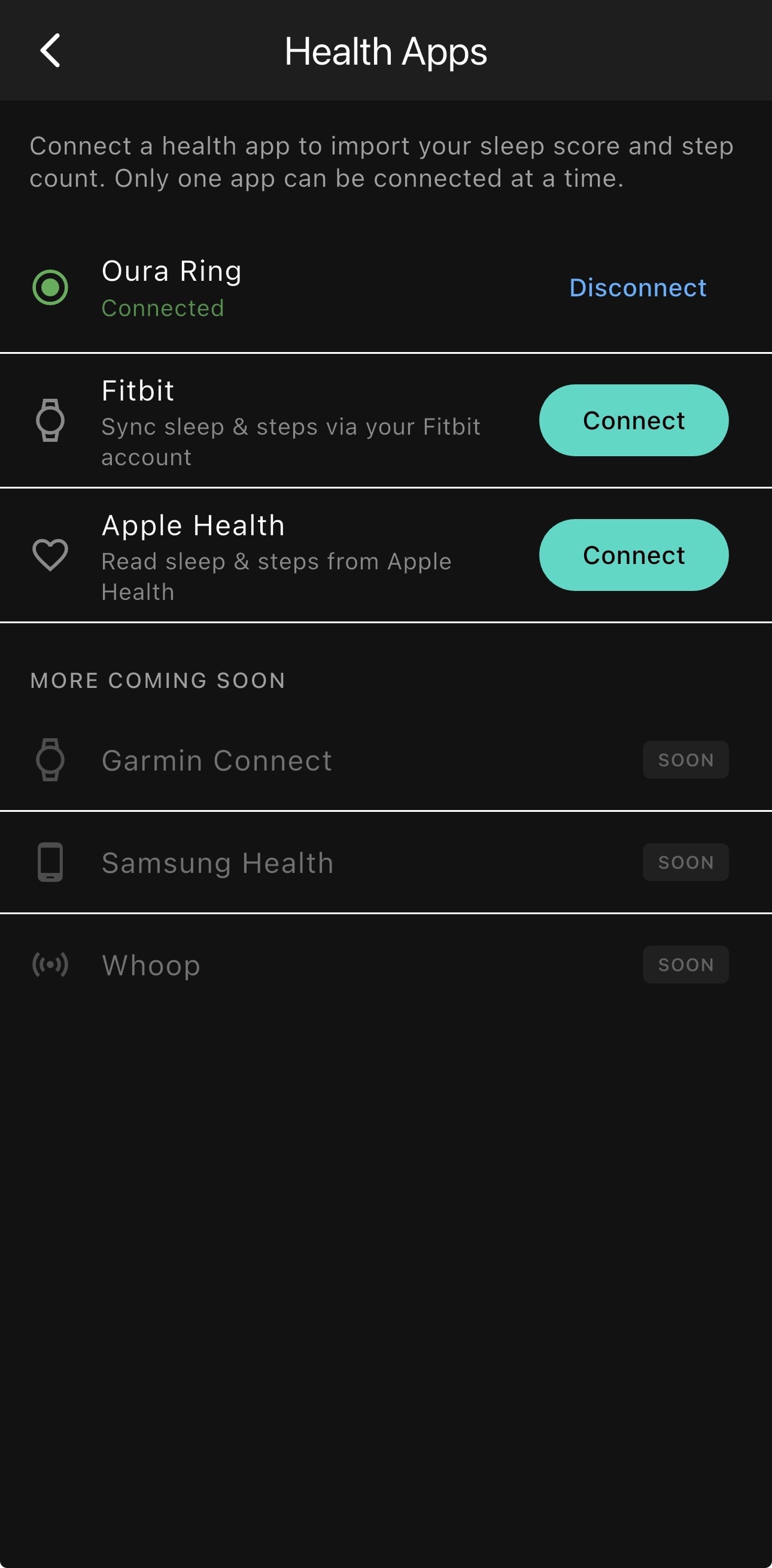
Get an overview from the Today screen
A jumping-off point which consolidates the most relevant information in one place. If you’ve connected your fitness tracker app, you’ll see your sleep score and yesterday’s step count at the top (which can be major factors in how you’re feeling today).
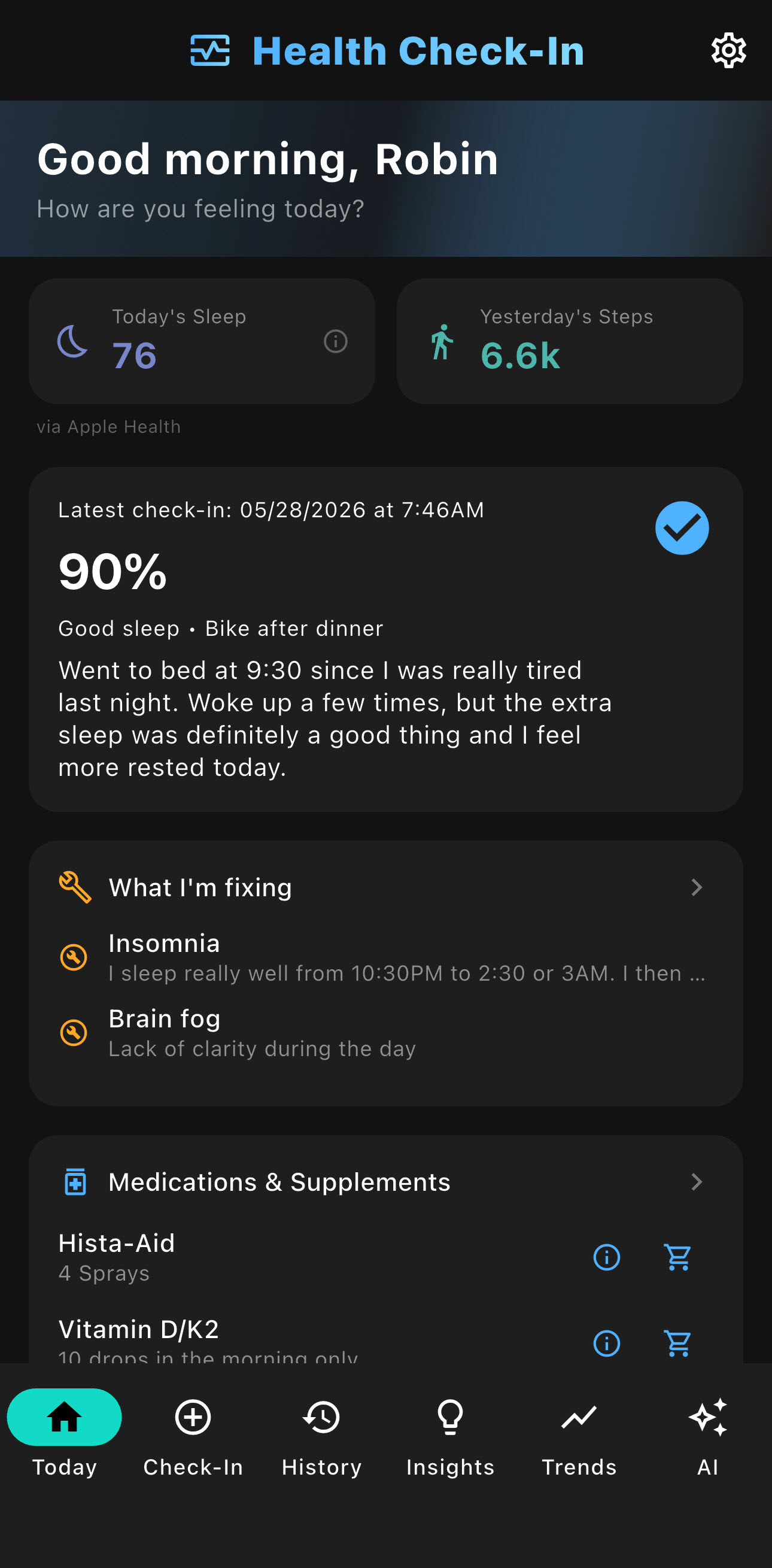
Easy to read sleep data
No need to spend extra time in navigating multiple screens and graphs to see what you really need to know. Health Check-In pulls the data we care about and displays it here.
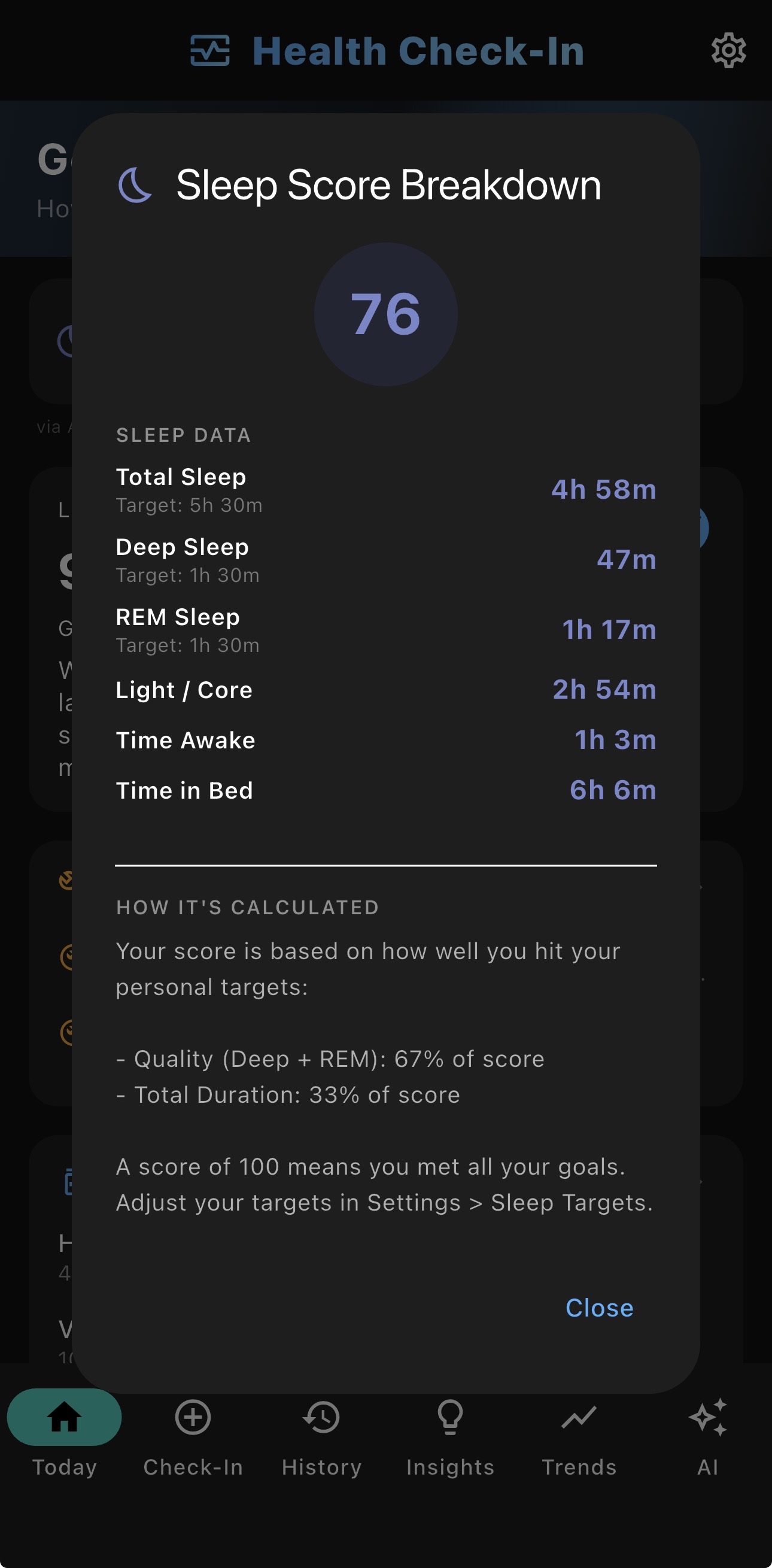
Customize your sleep goals
After using any sort of sleep tracker for any length of time, you probably know yourself better than it does. This feature was born out of frustration over apps where what felt like a perfect night’s sleep never resulted in a 100% score.
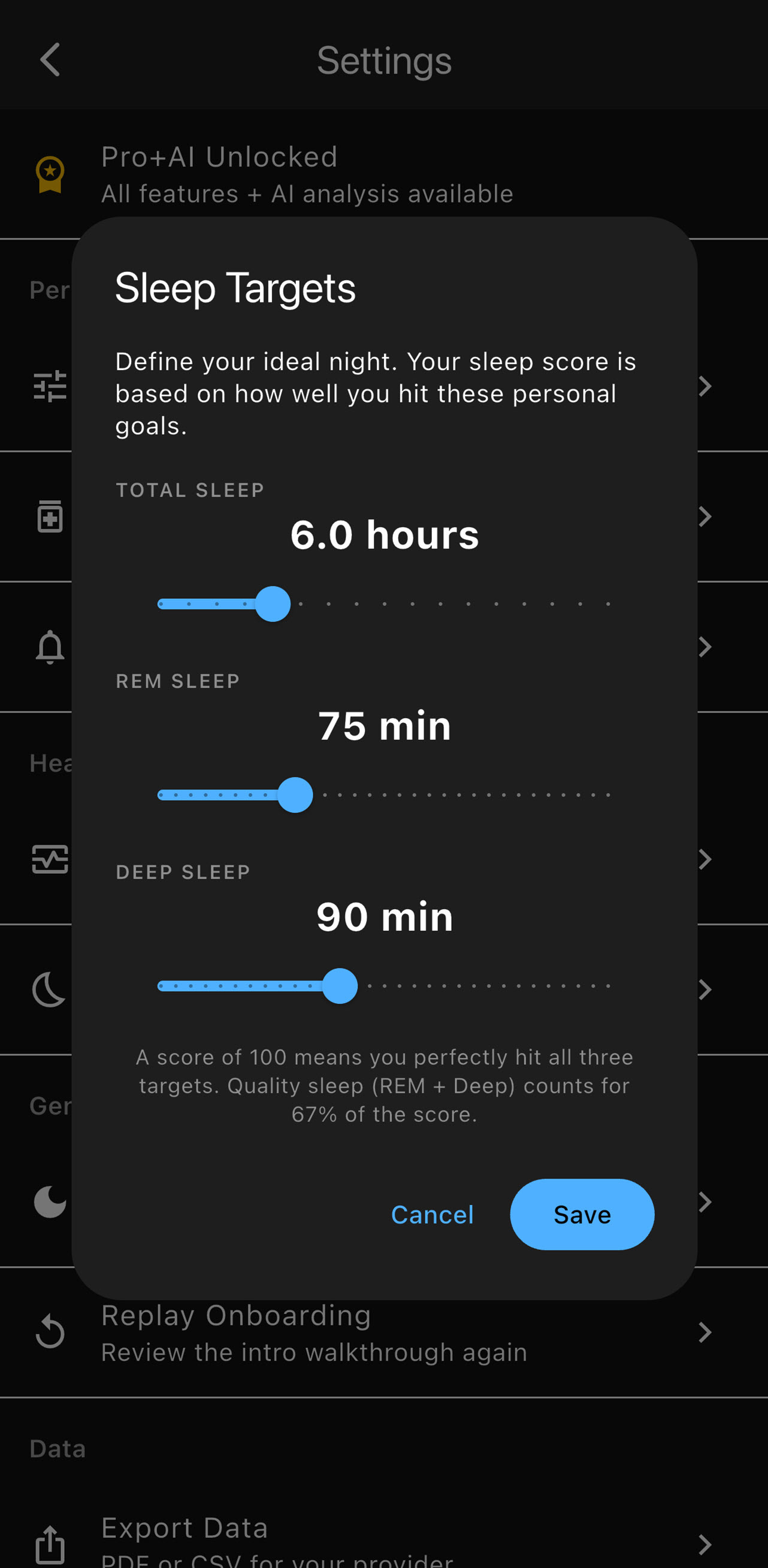
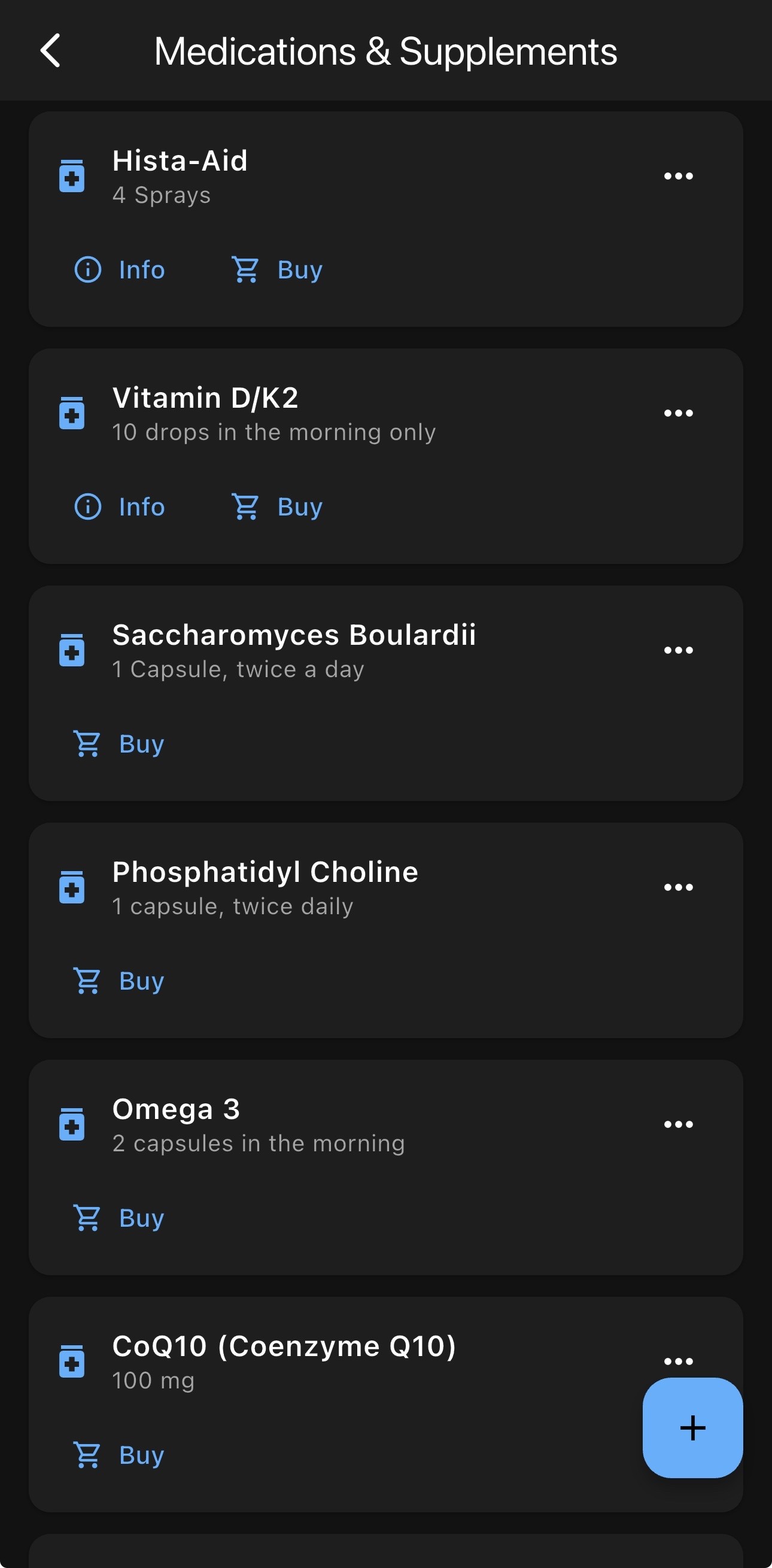
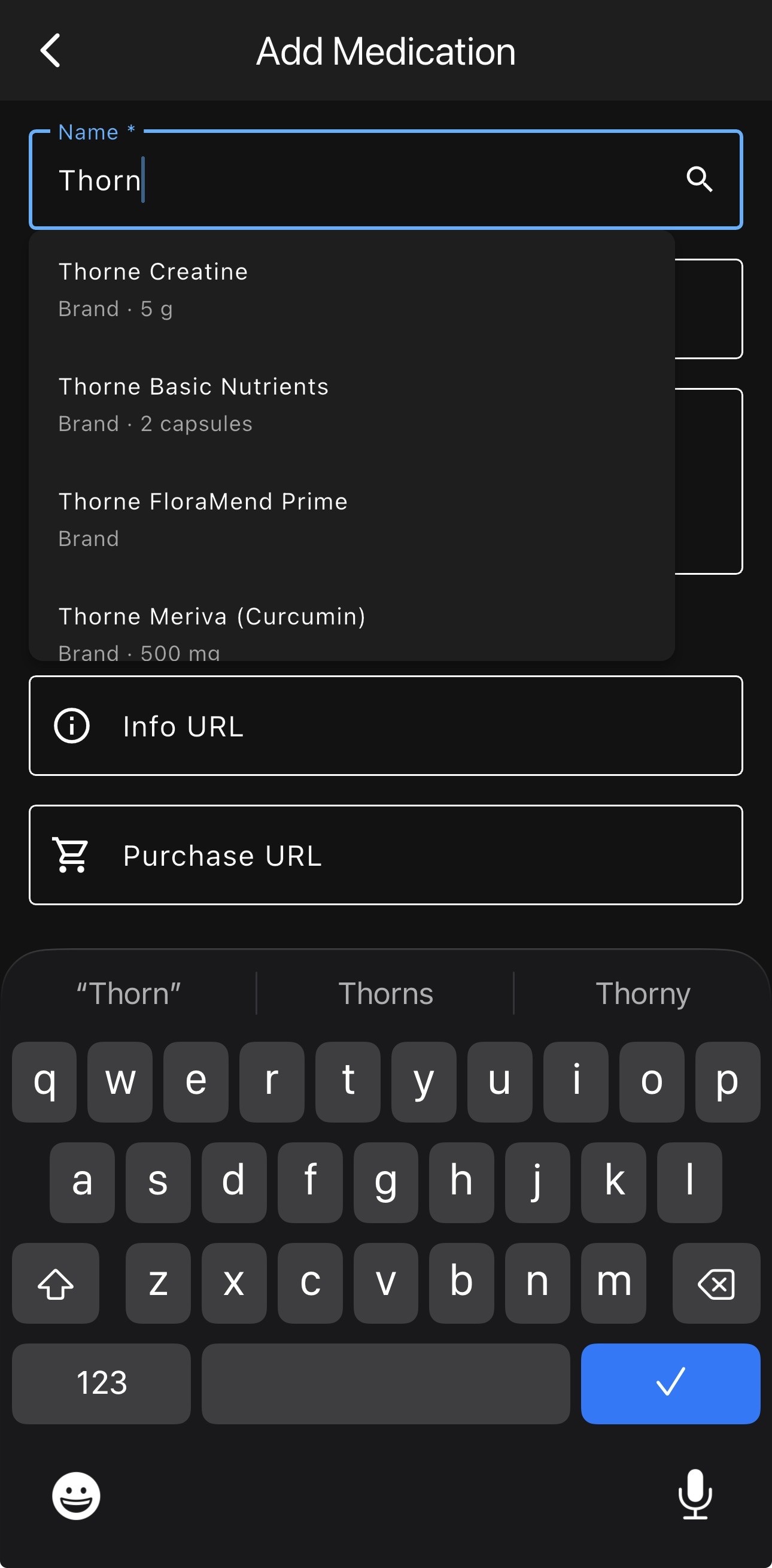
Track Supplements and Medications
Keep a list of what you’re taking. Many common supplements are already searchable in a built-in database and include links to purchase more.
Easily review previous entries
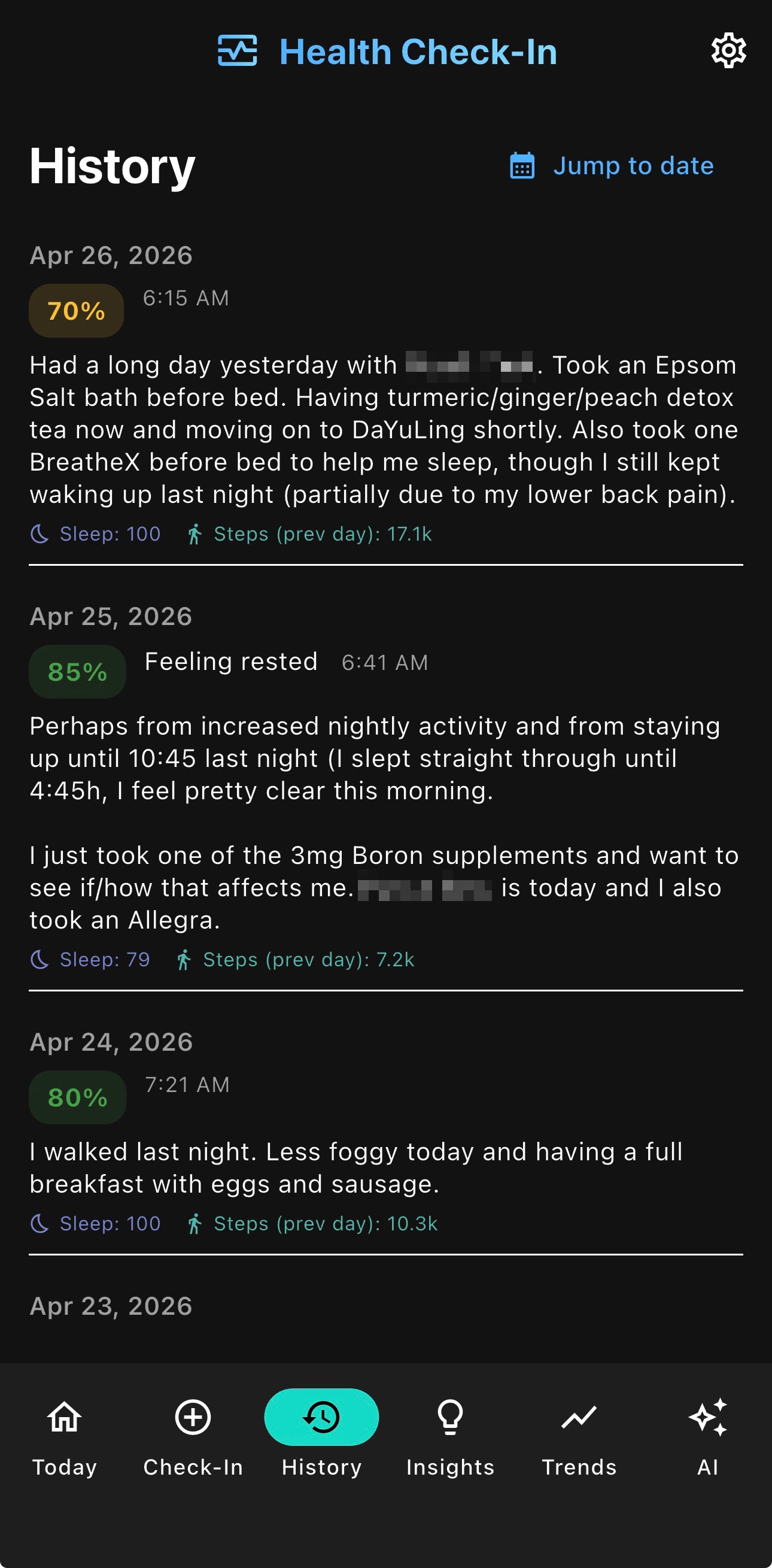
Scroll through the journal that is your History screen. Sleep and step data are stamped onto entries for reference and each entry is editable. Also, tapping a date on the “Trends” screen acts as a shortcut to the corresponding entry in “History”.
Review Trends
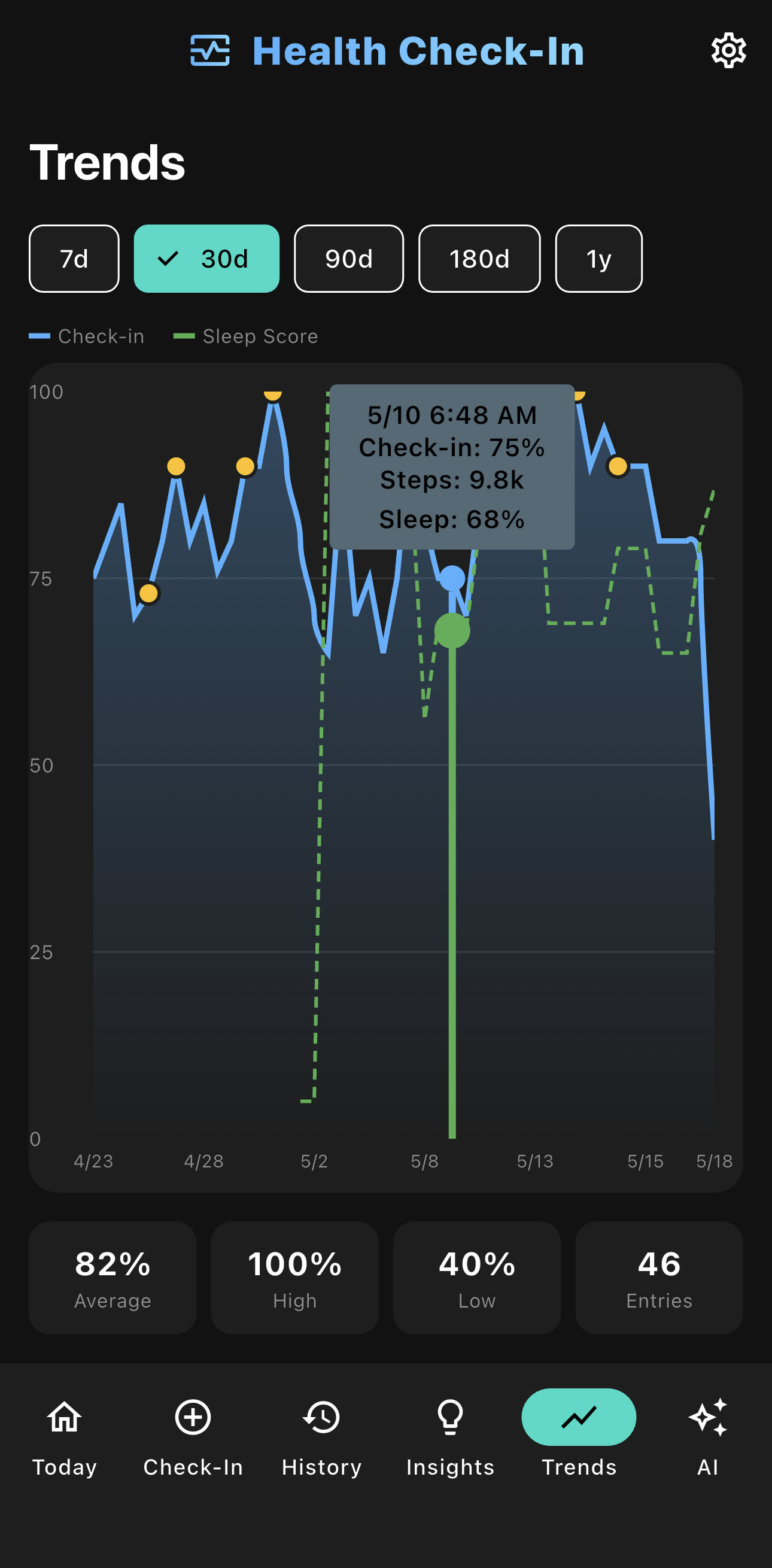
Gauge potential patterns on the “Trends” screen. Visualize your check-in scores alongside sleep and step data over days, weeks, and months.
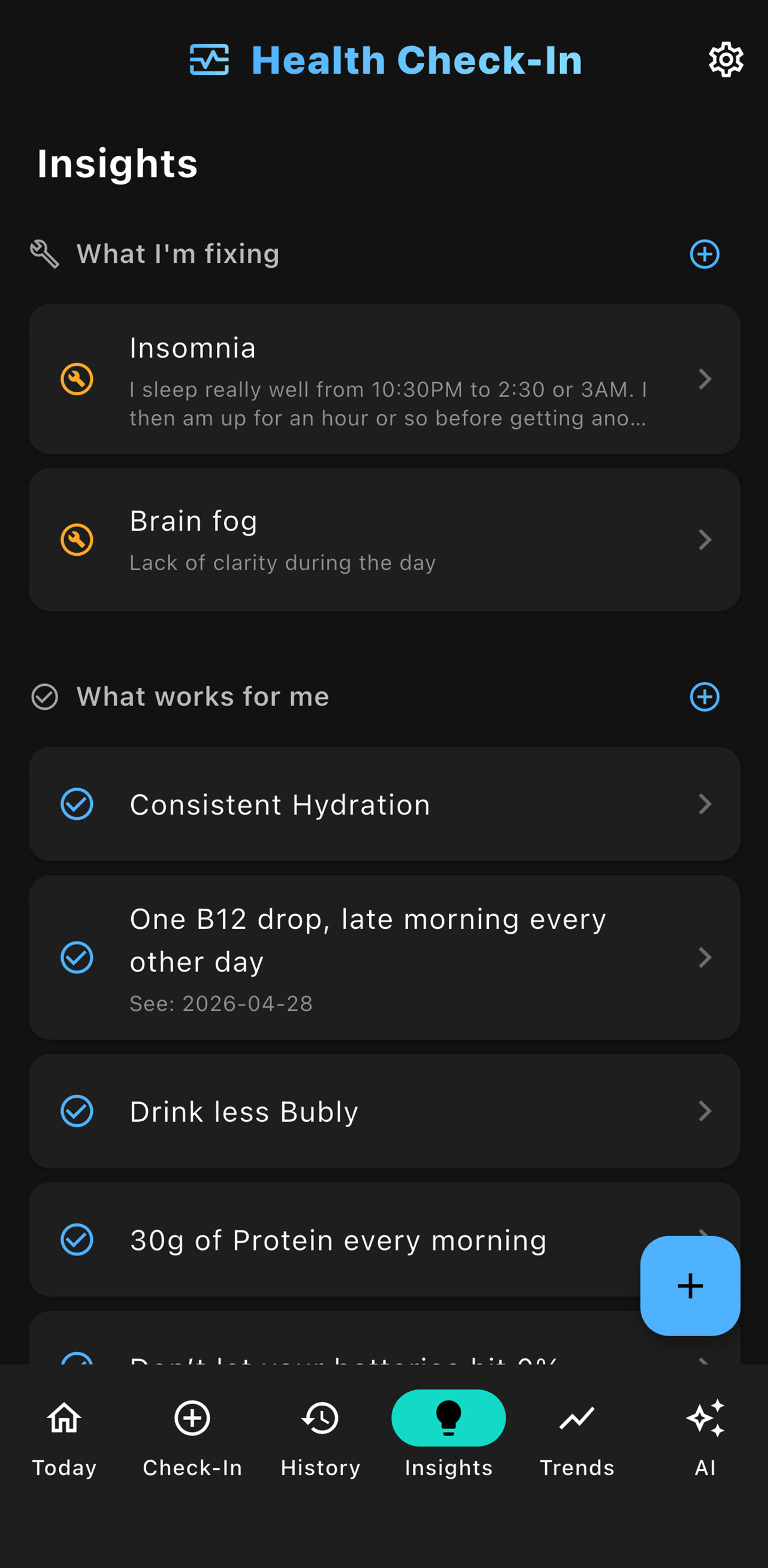
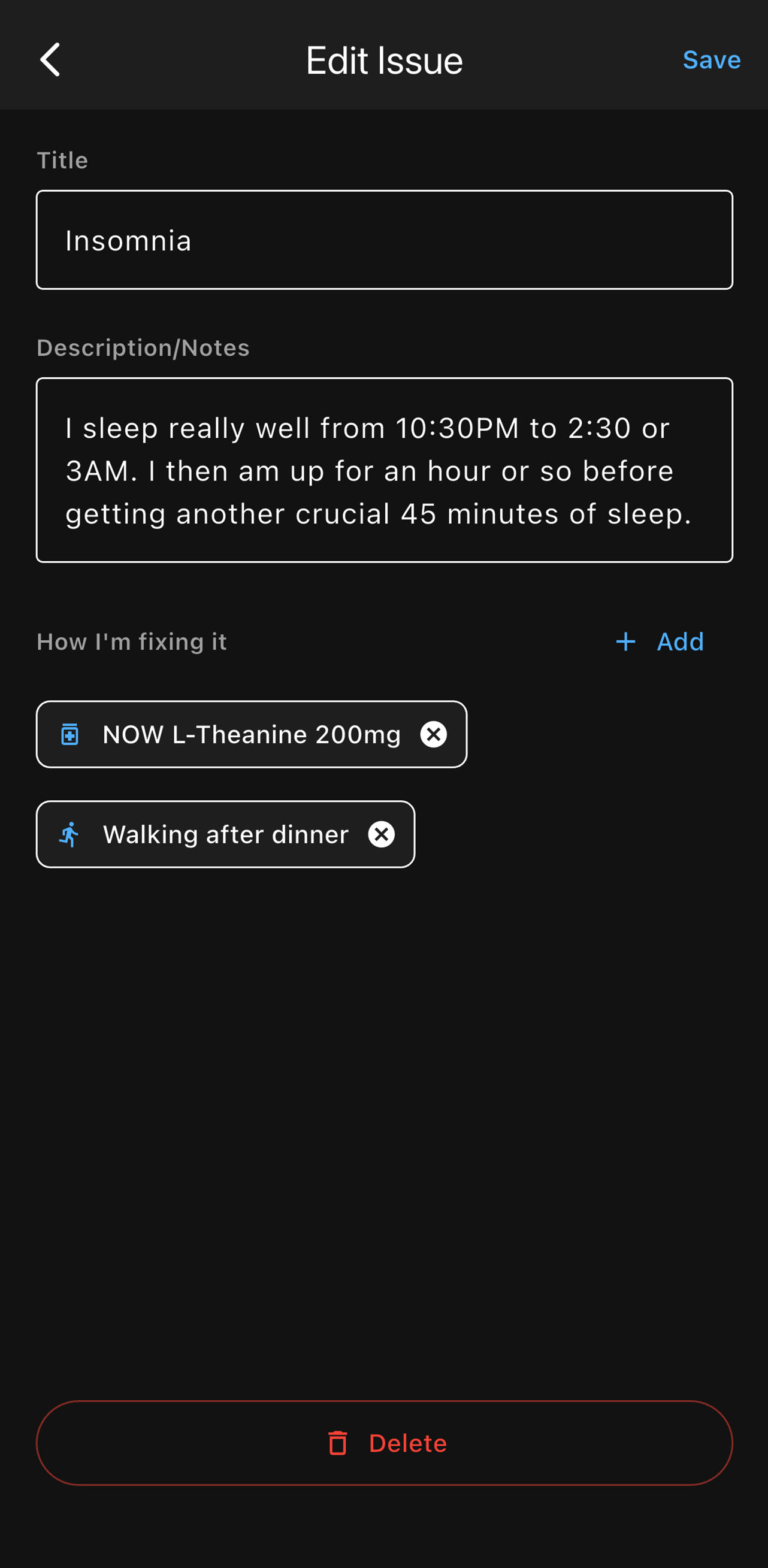
Define what you’re fixing and how you’re fixing it
The first step in problem-solving is to identify and clearly define the problem. Clearly enter what it is that you’re trying to fix, describe it as you see fit and link potential fixes to medications or activities. Alternatively, simply add line items to the “What works for me” section.
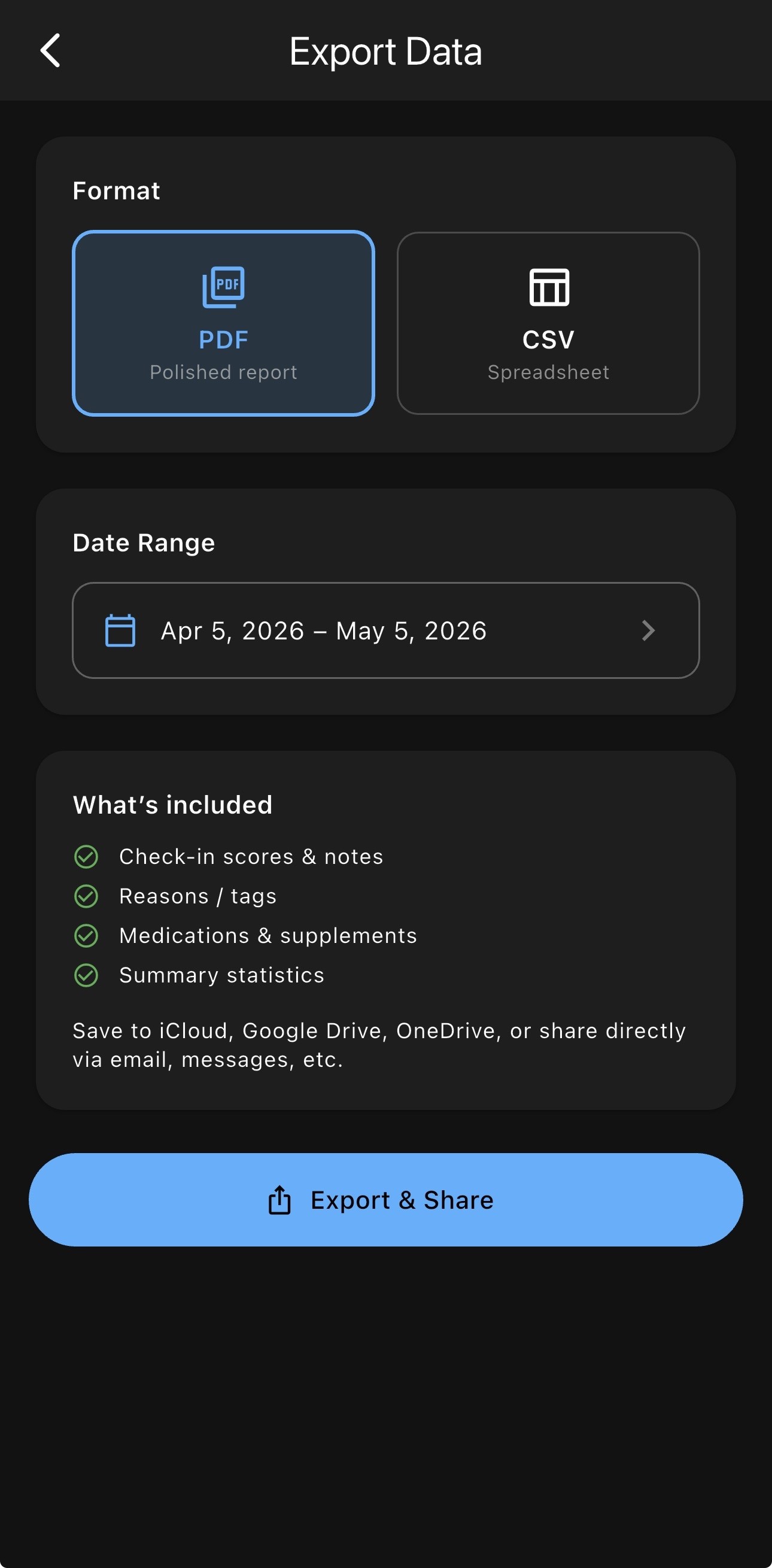
Provide Data to Your Healthcare Professional
Once you have built history, export your data to a PDF or a spreadsheet and provide additional context for your health professional.
AI Analysis
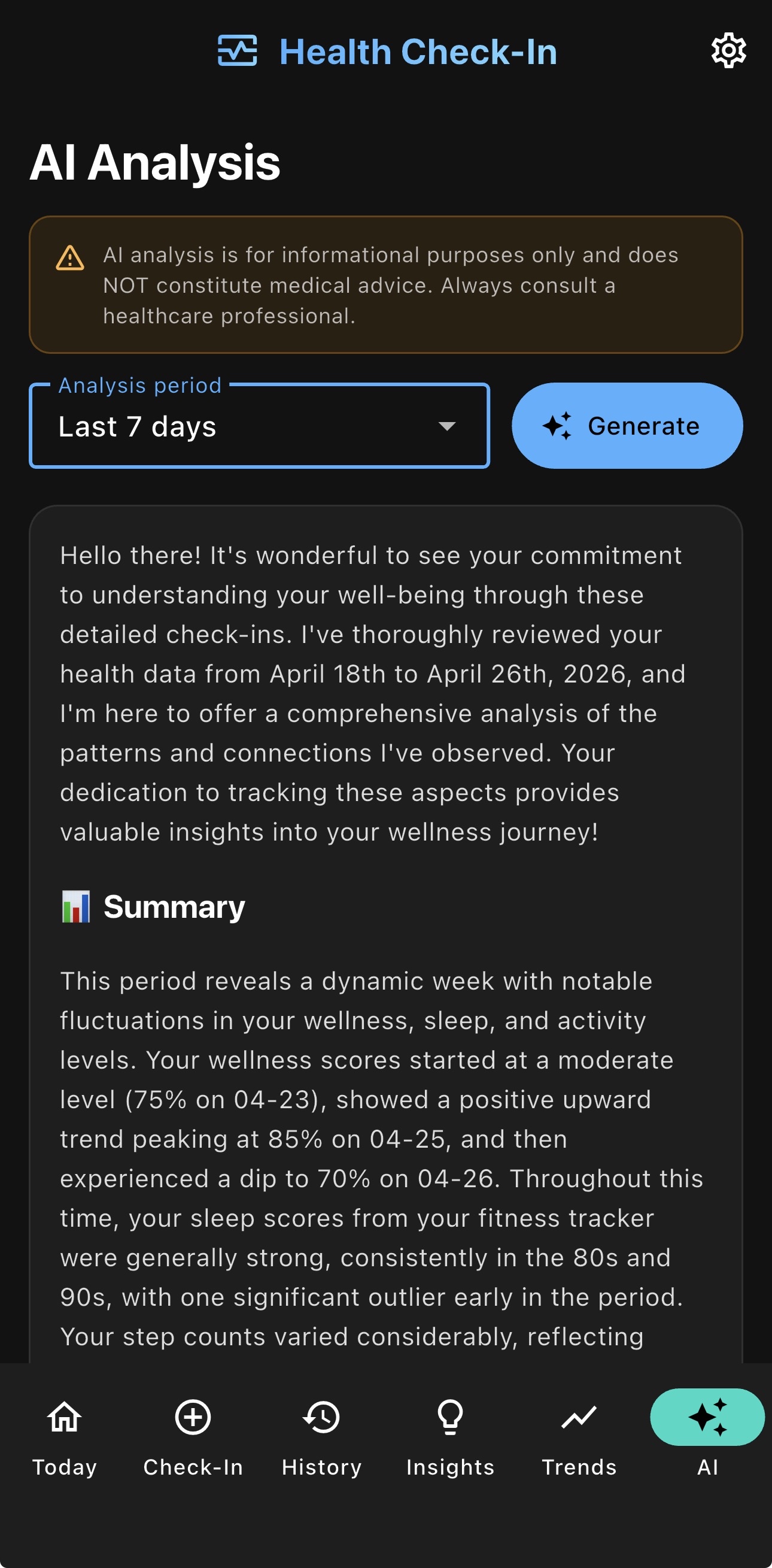
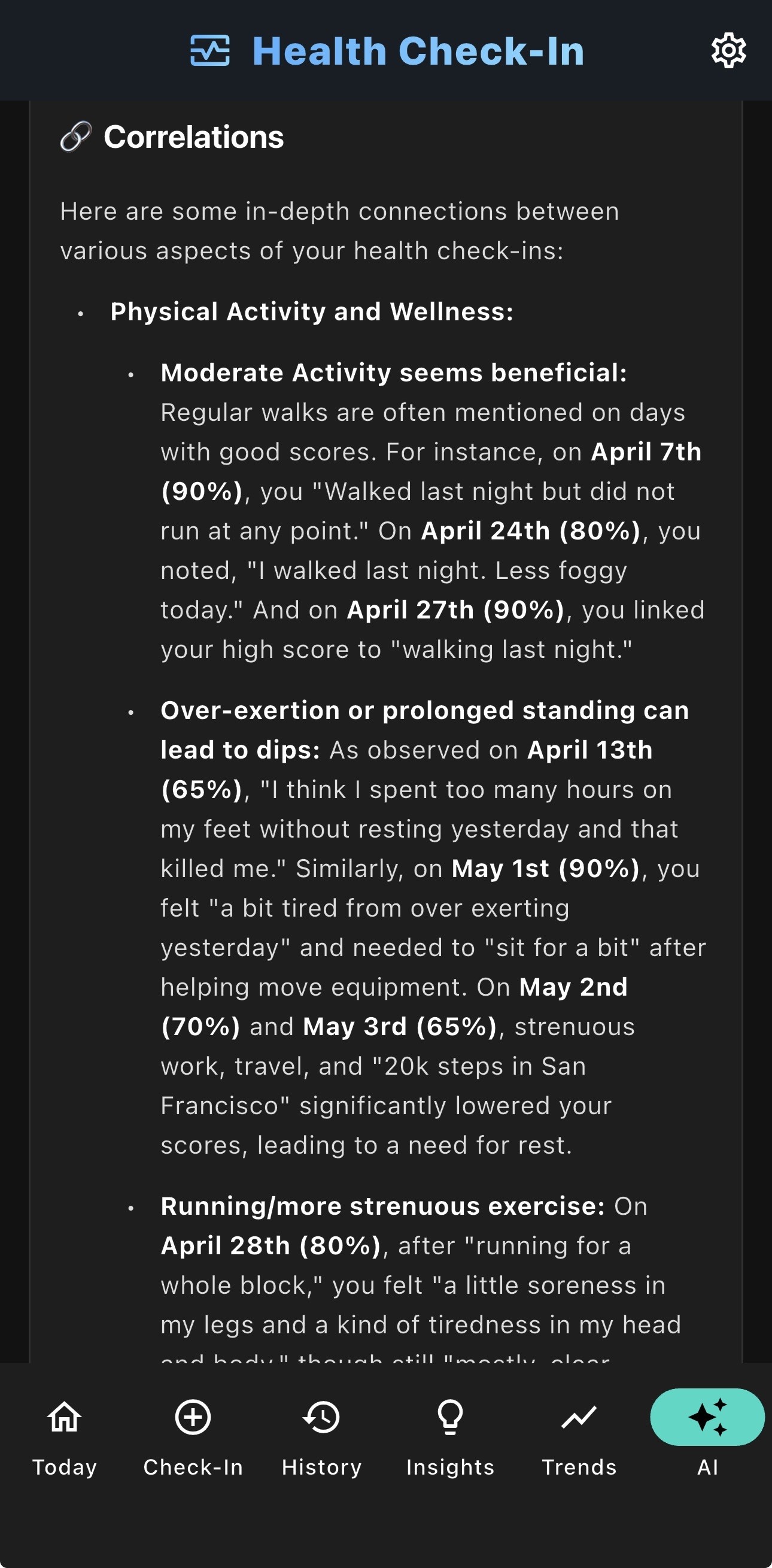
With the Pro+AI subscription, Health Check-In strips any personal information from your data before submitting it for an informative AI review that identifies patterns and correlations.
*Please remember that AI is for informational purposes only and that you should always consult a healthcare professional.