The simple way to discover what affects
how you feel.
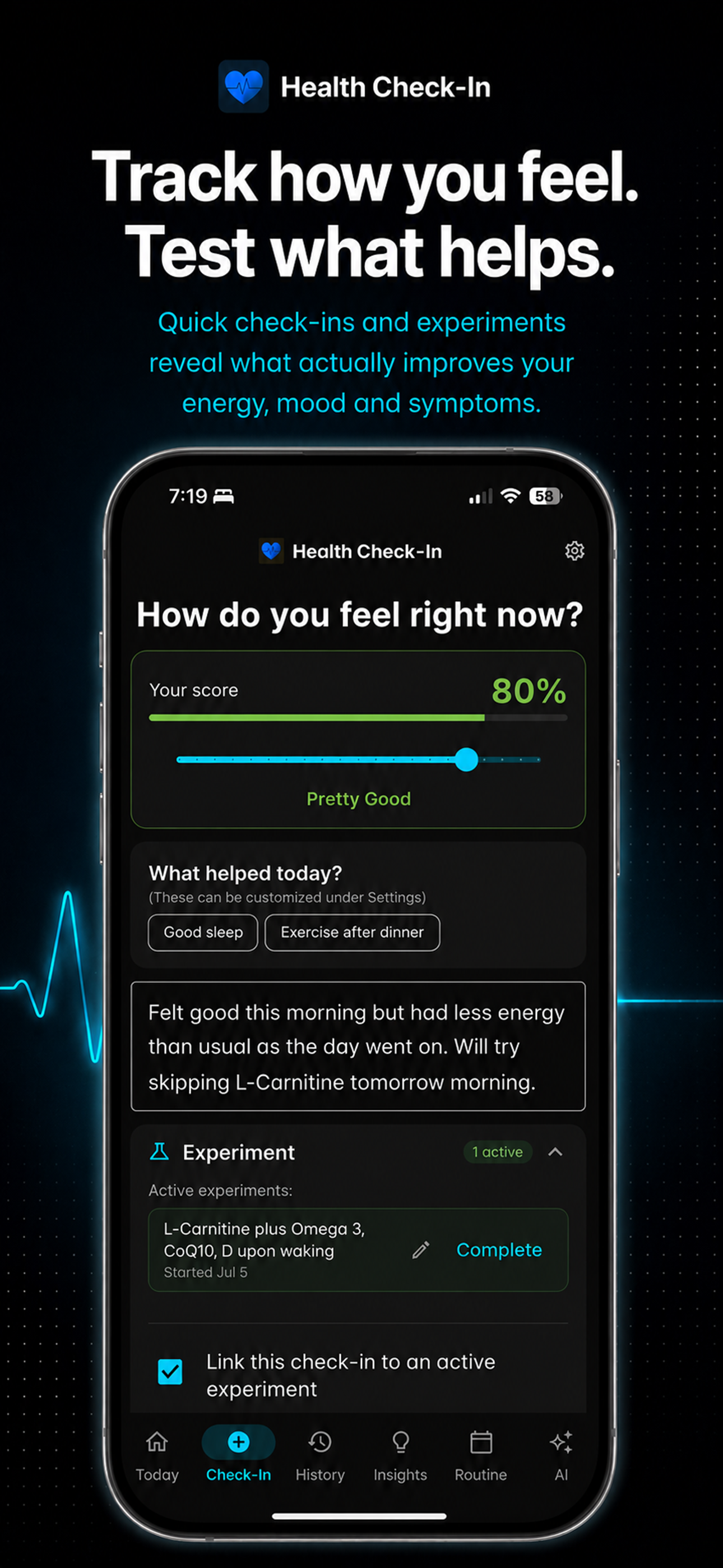
Stop guessing what makes you feel better. Check in daily, run experiments, build routines, and let AI reveal what actually works — all from one app.


Your Personal Health Laboratory
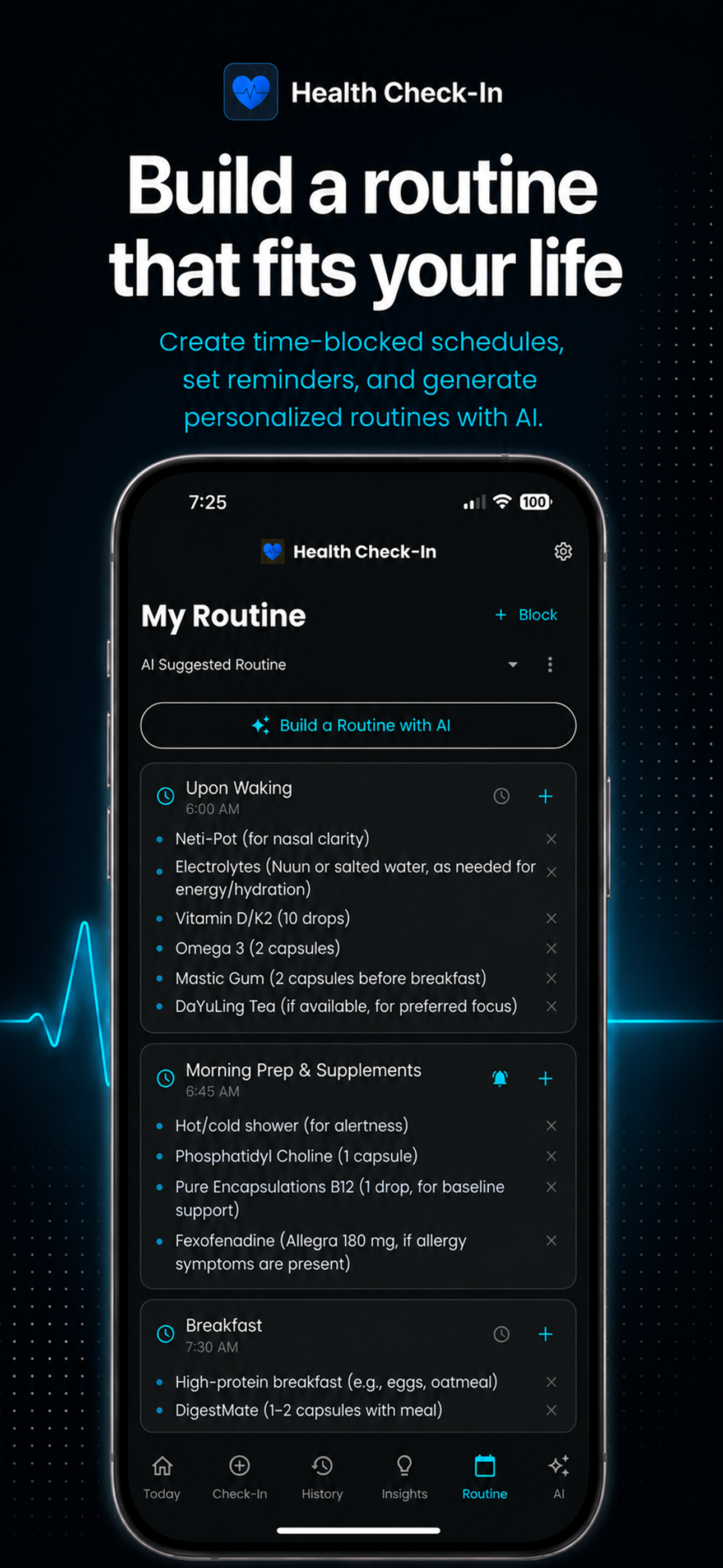
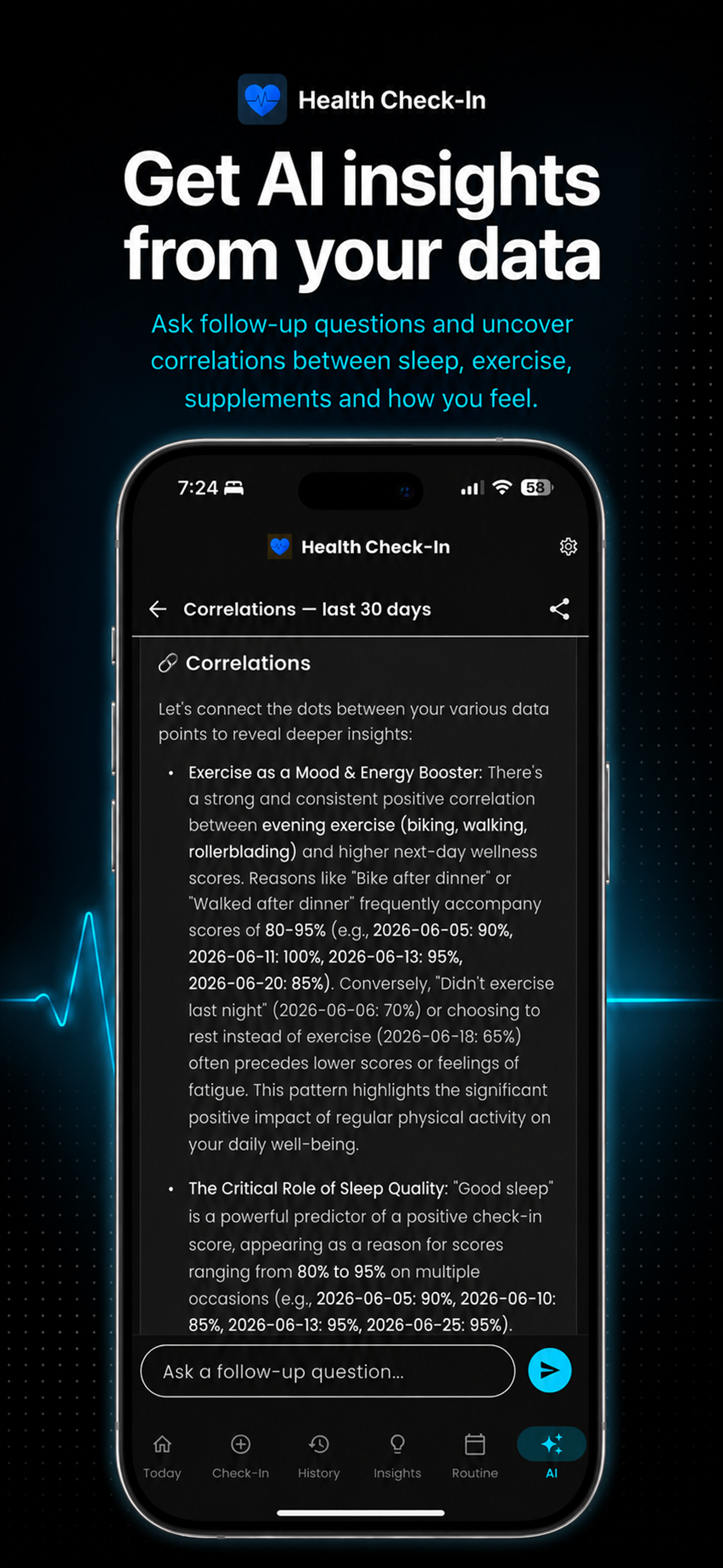
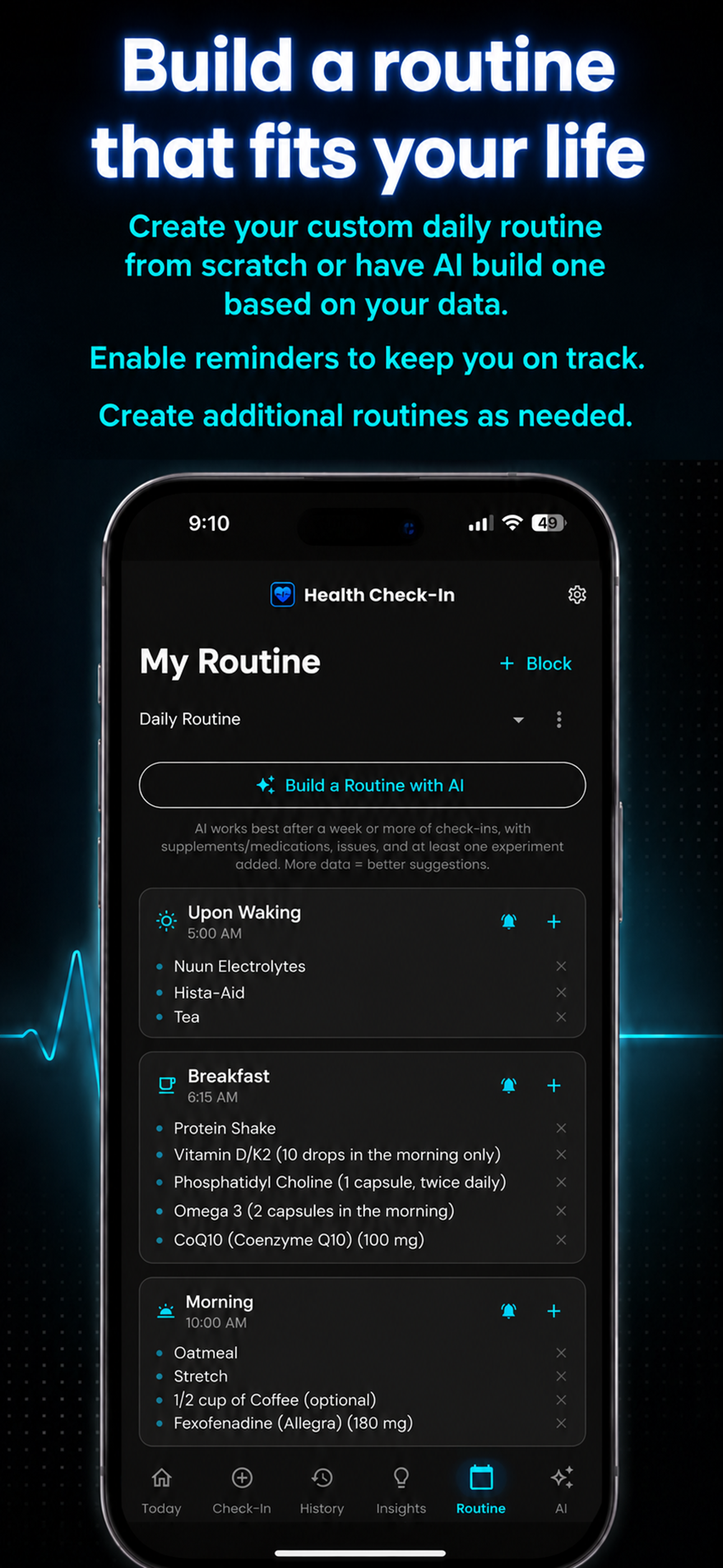
From a quick check-in to AI-powered insights and a personalized daily routine.
Private by Design
No account required, no ads, no tracking, and your health journal stays on your device unless you choose to export, back up, or use AI analysis.
Read our privacy explanation in plain EnglishNo Account Required
Start using the app immediately. No email, no sign-up, no friction.
Data Stays On Device
Your check-ins live on your phone unless you choose to back them up.
No Selling. No Ads.
We don’t sell your health data. No advertising network tracking. Ever.
Features and Pricing
The core app is free forever. Unlock the full toolkit with a one-time Pro purchase, or add AI-powered analysis with a Pro + AI subscription.
Free
$0
Free forever
- Unlimited daily check-ins with slider & notes
- Customizable positive & negative tags
- Track up to 3 supplements or medications
- Build a daily routine with time blocks
- Multiple daily reminders
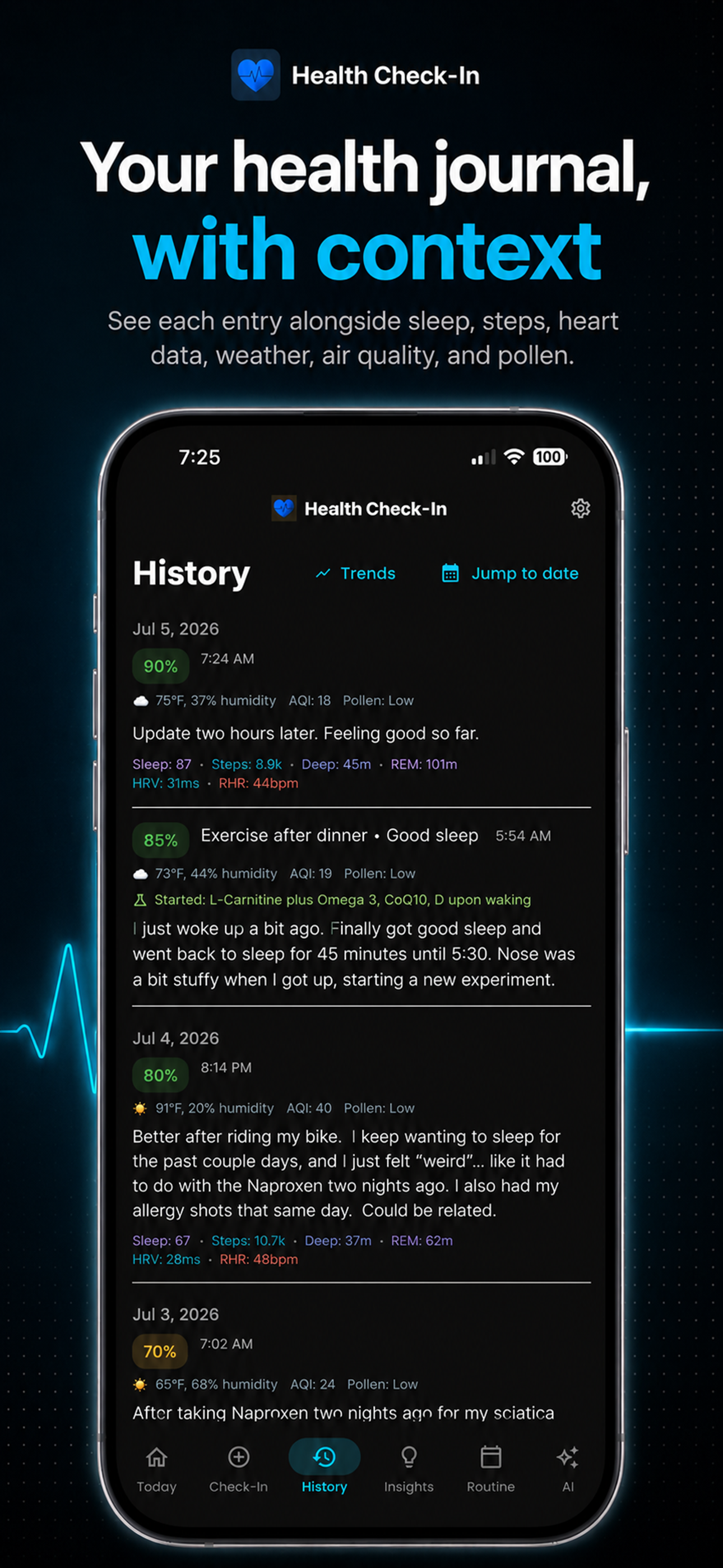
- Unlimited check-in history with context
- Run personal health experiments
- Export history to PDF / CSV
- Weather tracking (temp & humidity)
- Define what you’re fixing and how
- 7-day trends chart
Pro
$19.99
One-time purchase — yours forever
- Everything in Free, plus:
- Unlimited supplements & medications
- Multiple routines with time-blocked schedules
- Health app integration (Apple Health, Oura, Google Health)
- HRV, resting heart rate, deep sleep & REM tracking
- Sleep score breakdown with targets
- Air quality (AQI) & pollen tracking
- Supplement & medication reminders
- Experiment templates library
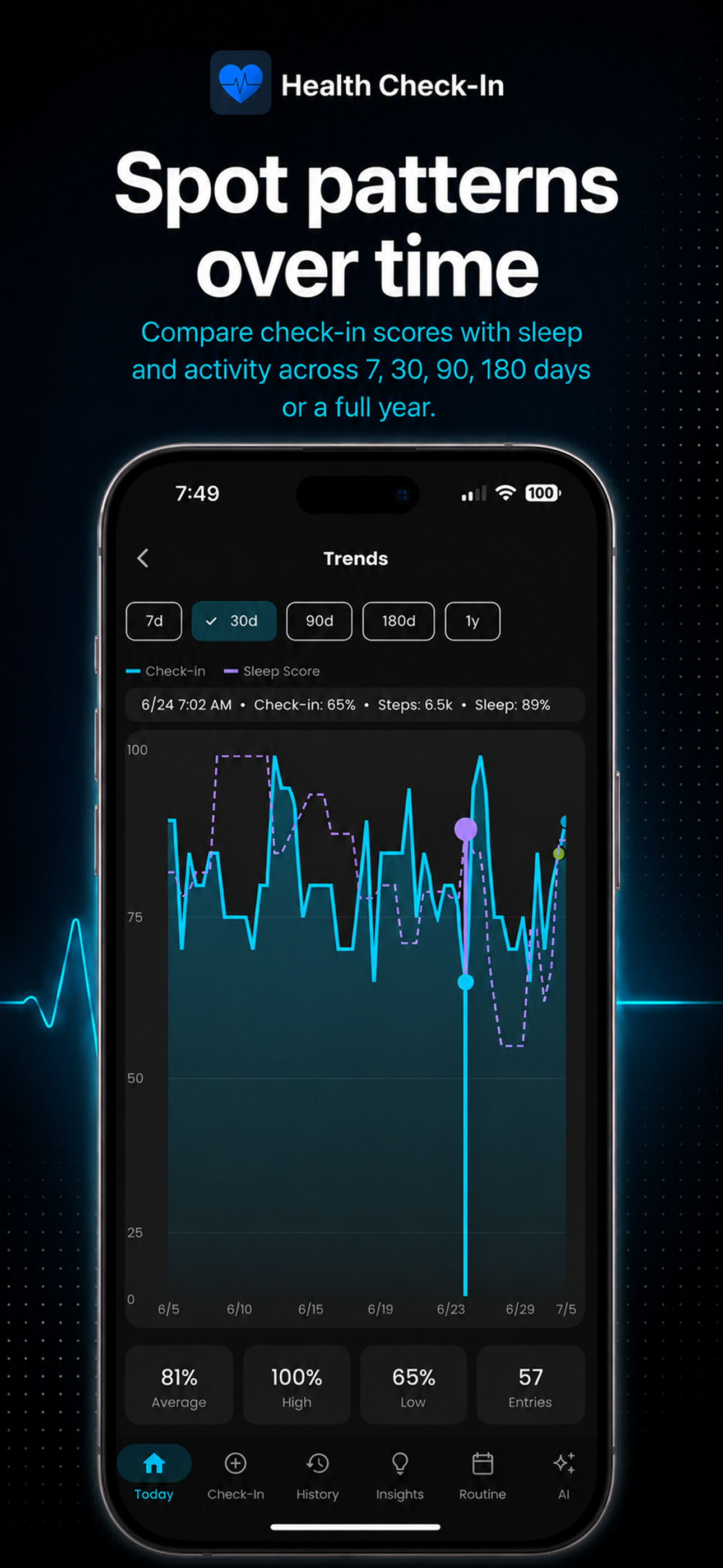
- Extended trends (30, 90, 180 days, 1 year)
- Insights & Key Results
- Cloud backup & restore
- Export PDF & CSV reports for your doctor
Your complete personal health laboratory. Perfect if you prefer to share data with a health professional or work things out on your own.
Get StartedPro + AI
$2.99/mo
or $24.99/year — includes all Pro features
- Everything in Pro, plus:
- AI-powered pattern analysis & correlations
- Automatic Daily Brief with sleep-aware timing
- Preset analyses: Key Insights, Sleep & Energy, Correlations, Issue Summary
- Multi-turn conversations with chat history
- AI-generated personalized daily routines
- AI summary in PDF exports for your doctor
- Export & share AI conversations

Why I Built This
Hi, I'm Robin. For years I struggled with brain fog, tiredness, insomnia, and exercise fatigue. I knew something was off, but I couldn't pinpoint what was helping and what wasn't. None of the health apps I tried asked the simple question: how do you actually feel today?
So I built Health Check-In as my own personal health laboratory—and it worked.
Read My Full StoryWe'd Love to Hear From You
Found a bug? Have a feature request? Questions about the app? We're always listening and working to make Health Check-In better.